CTIS Wiring Harness Replacement
TM 9-2320-363-34-1 · Chapter 4 — Electrical System Maintenance
This task covers: a. Removal b. Cleaning c. Inspection d. Installation
Applicable Configuration:                                   Equipment Condition:

M917A1 and M917A1 w/MCS                                     Reference                Condition Description

Tools and Special Equipment:                                TM 9-2320-363-20         Batteries Disconnected

Tool Kit, SC 5180-90-CL-N26

                                                    NOTE

    l    Wiring harness and leads are secured in place by wire ties, cushion clamps, and screw
         terminals.

   l     Only remove hardware securing harness lead to be removed.

    l    Tag all connectors and leads prior to removal to aid during installation.

   DISCONNECT AND REMOVE CTIS WIRING HARNESS USING ILLUSTRATION AND TABLE AS A
   GUIDE.

    Use general cleaning methods to clean all parts (page 2-30).

    Inspect all parts for wear or damage.

                                                    NOTE

    l    Wiring harness and leads are secured in place by wire ties, cushion clamps, and screw
         terminals.

    l    Make sure harness is secure and all hardware is tight.

    INSTALL AND CONNECT CTIS WIRING HARNESS USING ILLUSTRATION AND TABLE AS A GUIDE.
TM page Change 1 4-47.5
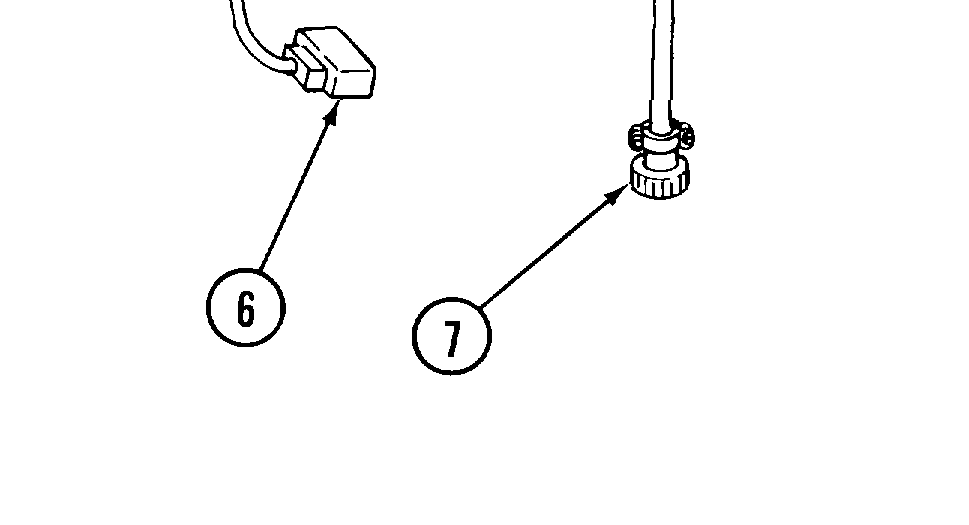
TABLE QTY
1 Ring Terminal 2 2 Configuration Connector 1 3 9-Pin Male Connector 1 4 7-Pin Male Connector 1 5 4-Pin Female Connector 1 6 2-Pin Female Connector 1 7 2-Pin Female Connector 1
NOTE Follow-on Maintenance:
Connect batteries (TM 9-2320-363-20).
TM page 4-47.6 Change 1